TCL TAB A1 Review: The 11-Inch 90Hz Tablet That's Cheap for a Reason
The TCL TAB A1 is an 11-inch 2.1K 90Hz Android 16 tablet with an IP54 metal body, 8,000mAh battery, and 2TB storage expansion. We break down what a Helio G100 buys you, what the 650 nits figure really means, and where the missing stylus and missing hands-on testing leave us.
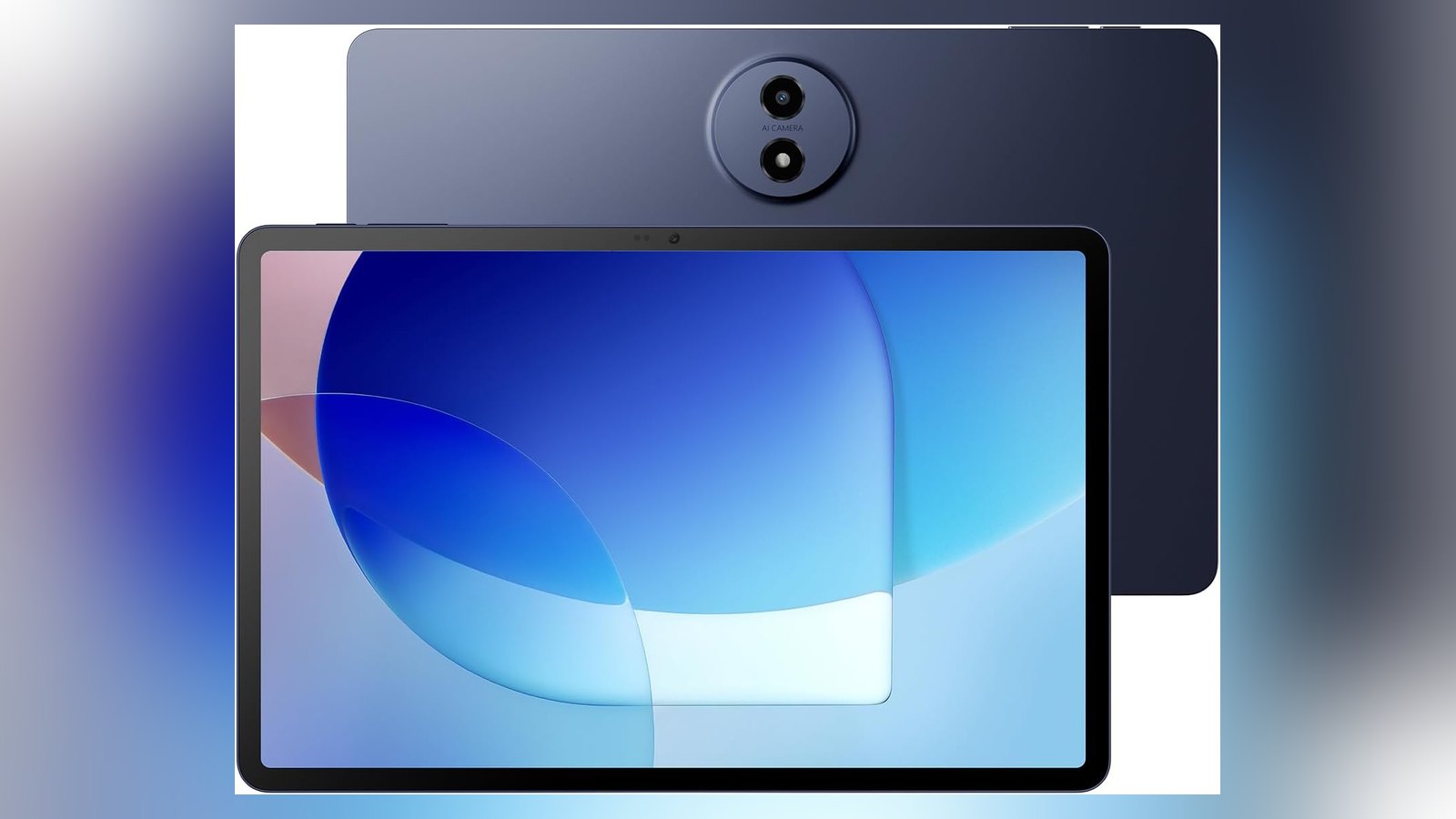
The TCL TAB A1 is the middle tablet in TCL’s range, and middle is where the compromises live. It is smaller than the TAB A1 Plus and larger than the TAB 10 Gen 4, it carries the same 8,000mAh battery as the bigger model, and it is the one in the family with the fewest published hands-on impressions. That combination makes it the hardest to write about and, potentially, the easiest to get a good deal on.
What you get for that middle position is a genuinely good list: an 11-inch 2.1K panel running at an adaptive 90Hz, an IP54-rated metal unibody at 6.2mm and 430g, the full Android 16 software stack with Gemini and Circle to Search, quad speakers, and storage that expands to 2TB. What you give up is the A1 Plus’s 2.4K 120Hz display and better processor, and the TAB 10 Gen 4’s price.
This is a single-product review, not a roundup. We base it on manufacturer specifications, published hands-on testing, and aggregated verified-buyer feedback rather than our own trials. Our full method is on the Our Method page, and every source we relied on is listed at the bottom. We did not perform hands-on testing of this product.
An honest note on the evidence behind this review
We could not find an independent hands-on lab review of the US-market standard TAB A1 — the model with the conventional glossy display. What exists is launch coverage from Notebookcheck, a comparison of the A1 against its paper-display sibling from The Gadgeteer, and TCL’s own published specification. The TAB A1 Plus has been reviewed by three outlets; this model has not, by anyone we could find.
We are telling you that upfront because it changes how the rest of this review should be read. The display figures, the battery capacity, the build measurements, and the software feature list come from TCL and from the Amazon listing. The performance and endurance characteristics come from published coverage of the family and from how the platform behaves elsewhere. Where we are reasoning rather than reporting, we will say so. If you need a hands-on verdict on the standard A1 specifically, this is not it.
What the A1 actually is
The A1 is an 11-inch Android 16 tablet built on a MediaTek Helio G100 octa-core processor with TCL’s NXTURBO optimization layer. It has 6GB of physical RAM, up to 10GB of RAM expansion on top, 128GB of internal storage, and a microSD slot that accepts cards up to 2TB. The body is a 6.2mm metal unibody weighing 430g in a blue finish, rated IP54 against dust and splashes. The battery is 8,000mAh with 20W charging.
The 11-inch panel runs at 2112 by 1320 pixels in a 16:10 shape with an adaptive 90Hz refresh rate and TCL’s NXTVISION color enhancement. Four speakers with Sound Booster handle audio, and the 5MP front camera sits centered on the long edge with CenterFace tracking to keep you framed in video calls.
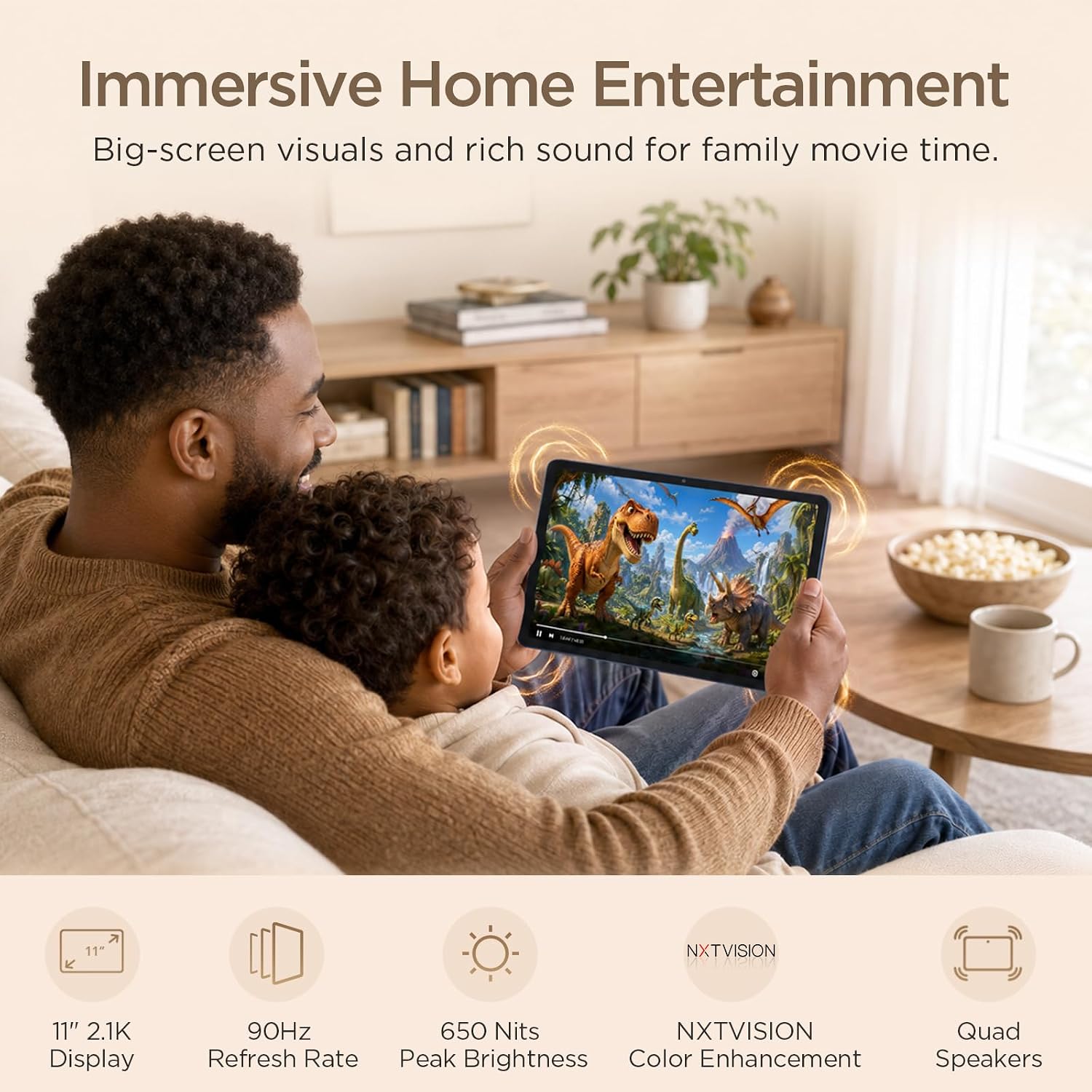
- Display: 11-inch 2.1K (2112 × 1320), adaptive 90Hz, up to 650 nits peak, 16:10, NXTVISION enhancement
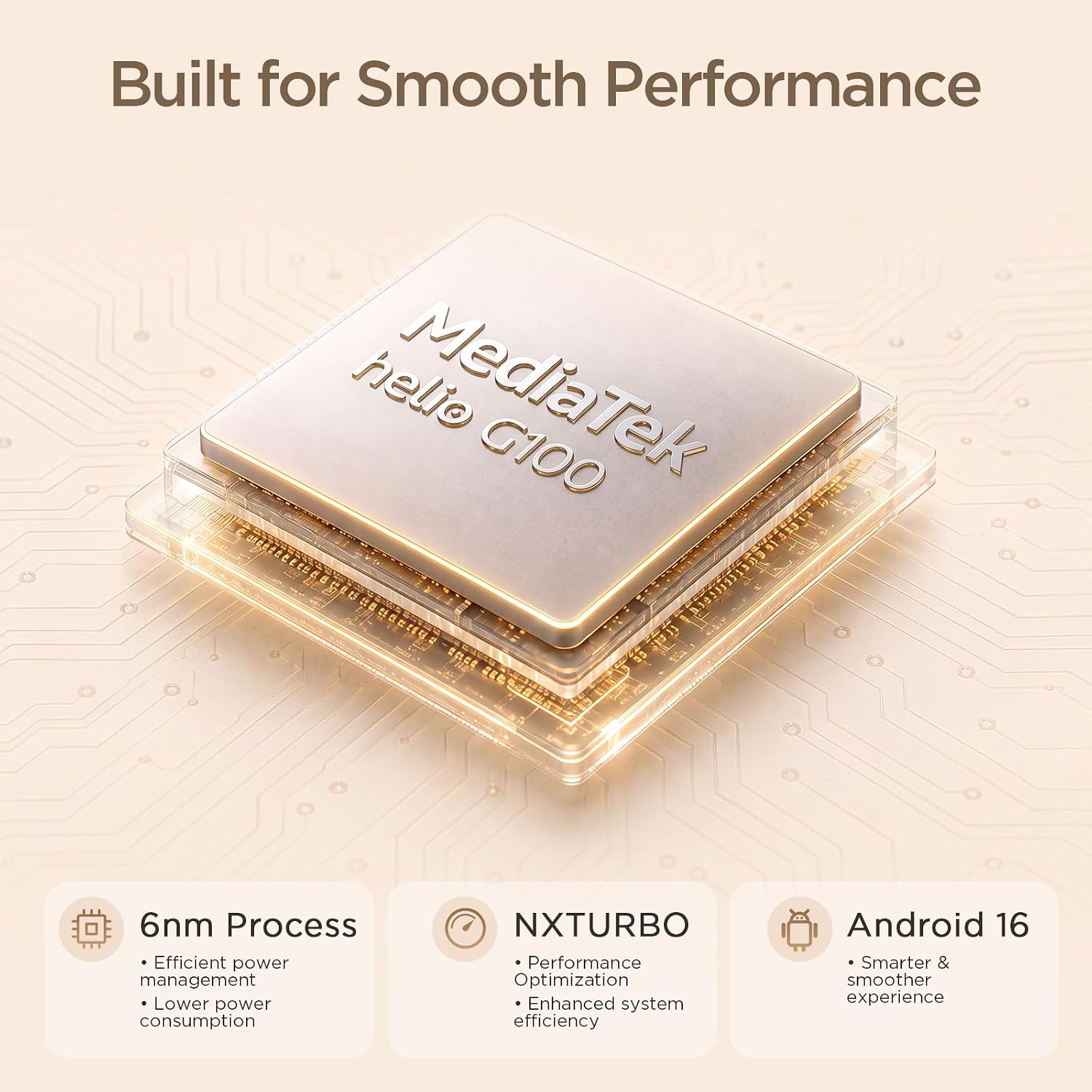
- Processor and memory: MediaTek Helio G100 octa-core (6nm) with NXTURBO, 6GB RAM plus up to 10GB expansion (16GB total)
- Storage: 128GB internal, microSD up to 2TB
- Operating system: Android 16
- Battery: 8,000mAh, 20W fast charging; charging block not included
- Build: 6.2mm metal unibody, 0.95 lb (430g), IP54 dust and splash rating, Space Blue
- Audio: Quad speakers with Sound Booster, rated by TCL at up to 200% volume boost
- Cameras: 5MP front with CenterFace tracking, 8MP rear
- Rating: 4.3 out of 5 stars from 481 global ratings
- Our score: 7.8/10
The rating needs a note: the A1 shares a single Amazon rating pool with the TAB A1 Plus because Amazon groups both models under one parent listing. The 4.3 stars and 481 ratings are the same set of ratings you will see on the bigger tablet, not a separate count. There are not 962 ratings here.
The display is good, and the 650-nit figure needs a caveat
An adaptive 90Hz panel at 2.1K resolution on an 11-inch screen is a strong combination at this tier. It is not the 2.4K 120Hz panel of the A1 Plus, and the difference is visible in scrolling and in split-screen work — but for reading and video it does everything it needs to.
The brightness figure is where care is required. The Amazon listing advertises 650 nits, which is a peak number and the best the screen will do. The Gadgeteer, in its comparison of the standard A1 against the paper-display NxTPAPER version, reports TCL rates the standard A1 at 500 nits typical. Both numbers are describing the same panel: 500 nits is what you should expect in ordinary use, and 650 nits is what it reaches under the right conditions. If you are buying for use near a window, judge the 500 and treat the 650 as a bonus.
Notebookcheck’s launch coverage of the A1 and the A1 NxTPAPER described the pair as affordable 11-inch tablets built around a 90Hz display, an 8,000mAh battery, and the Helio G100 — with the NxTPAPER model adding a paper-like screen and a bundled stylus. That framing is accurate for the standard A1 as well: this is a tablet positioned around the display and the battery rather than around processing power.
The Helio G100 is the reason this tablet is affordable
The MediaTek Helio G100 is a 6nm octa-core chip, and TCL pairs it with NXTURBO, its hardware-software optimization layer for smoother multitasking, faster app response, and better efficiency. In practice this is a chip built for the job of running reading apps, video, a browser, and the writing tools — not for games.
That is the honest summary of the performance situation: this tablet will not win a benchmark, and it does not need to. Its 6GB of physical RAM plus up to 10GB of expansion gives Android enough headroom to keep a dozen apps resident, and the memory ceiling of 2TB for media means storage is not the constraint either.
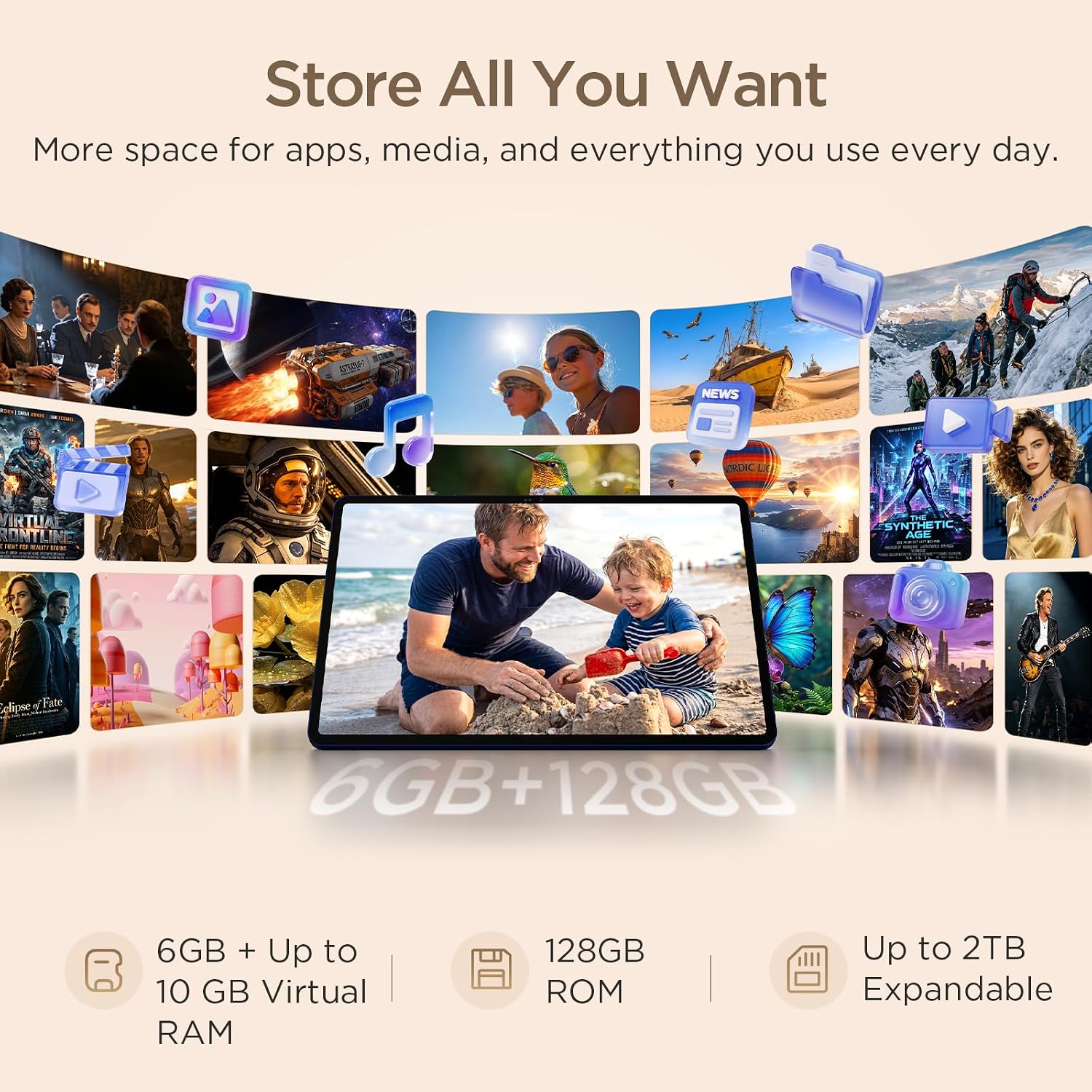
The RAM expansion figure deserves a short explanation, because “up to 16GB” on the box means 6GB of physical memory plus 10GB of virtual memory that the tablet uses as swap space. It helps when you run many apps at once; it does not make the processor faster. Treat 6GB as the real number.
The AI and multitasking features are the same ones as the A1 Plus
This is where the A1 is arguably better value than the bigger tablet. The full Android 16 stack is here — Gemini, Writing Assist, Text Assist, Circle to Search, and Smart Translator — alongside split screen, floating windows, sidebar shortcuts, and an Extend Mode that turns the tablet into a second display for a computer. Nothing in that list is reserved for the higher tier.
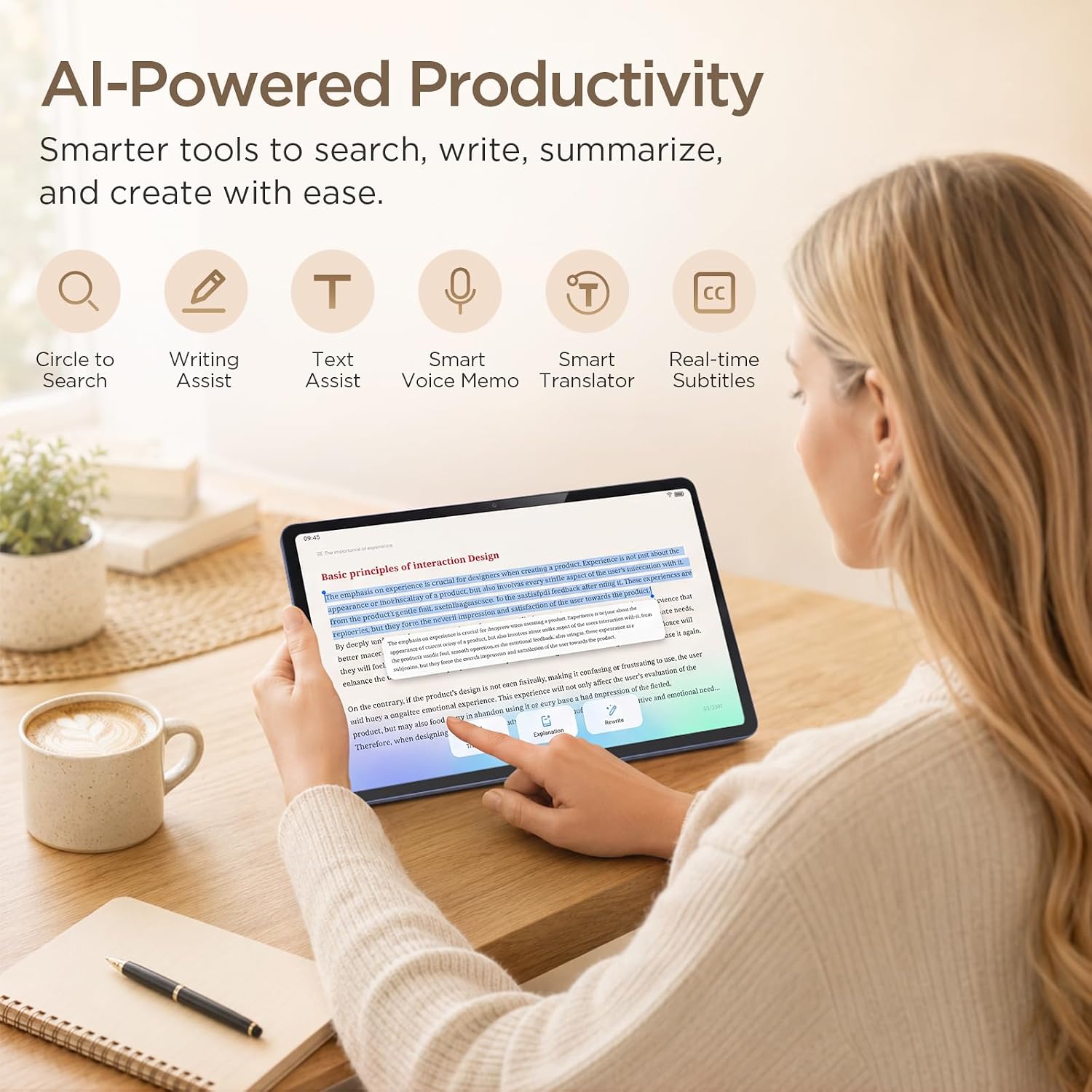
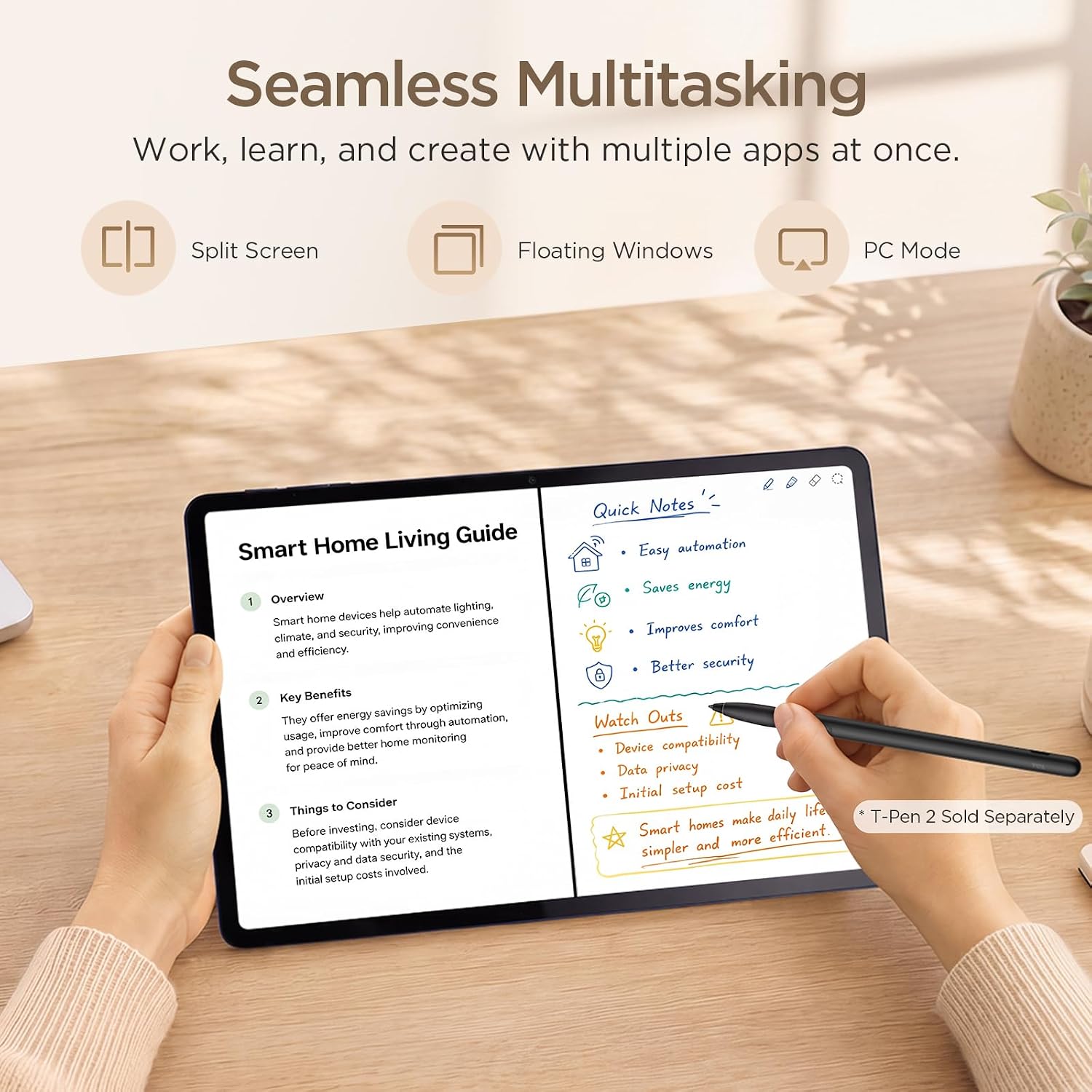
The multitasking layer is worth a mention because it is what makes an 11-inch Android tablet useful for actual work rather than consumption. Split screens plus an Extend Mode means the A1 can hold a video call next to a document, or mirror a computer display and act as a second screen. That is a genuine productivity case for a device with an entry-level chip, because the multitasking is handled by the software rather than by demanding the processor to render two complex 3D applications at once.
The stylus question, answered
TCL’s T-Pen 2 stylus registers 4,096 levels of pressure, and it is a genuinely good stylus for note-taking. It is also not in the box with this tablet. It ships with the separate NxTPAPER edition of the A1, which is the version with the paper-like matte display, and it is sold on its own for the standard A1 — the tablet’s own marketing graphic says so explicitly.
If note-taking with a stylus is a core requirement, buy the NxTPAPER version instead. If you want a stylus with the conventional display, budget for it separately.
Cameras, build, and battery
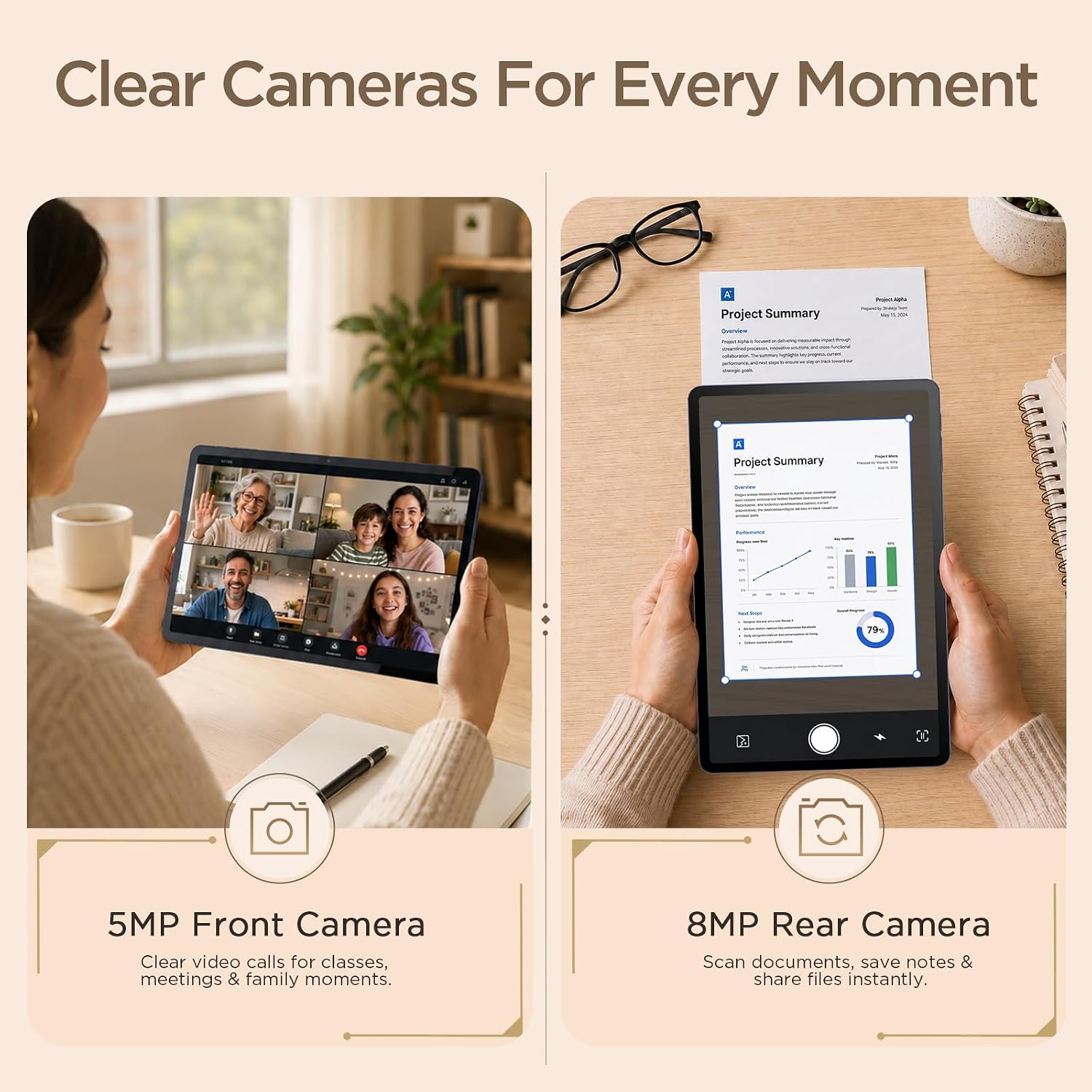
The 5MP front camera is centered on the long edge, which is the correct placement for landscape video calls, and CenterFace tracking keeps you in frame as you move. The rear camera is 8MP. TCL’s marketing for the quad speakers claims Sound Booster lifts output by as much as 200%, with the caveat that it is unavailable in headphone mode — worth remembering if you plan to use headphones regularly.
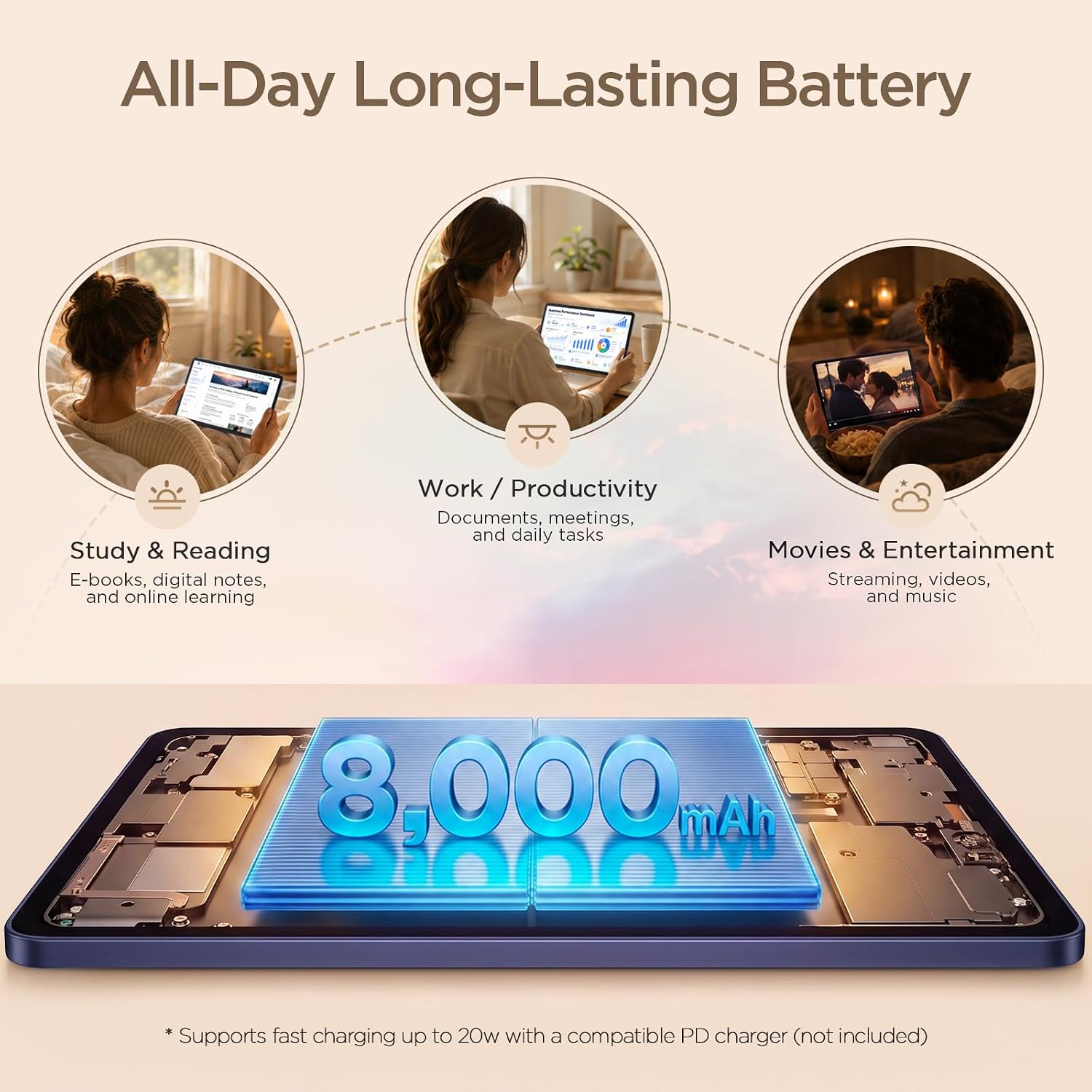
The 8,000mAh battery and 20W charging are identical to the A1 Plus, which makes them the strongest battery specification in TCL’s tablet range. Whether that translates into all-day endurance is less certain for this model than for the bigger one: the A1 Plus received published hands-on battery testing that came out below average despite a cell of the same size, and we have no comparable hands-on data for the A1. We would expect a similar outcome and would not promise otherwise.
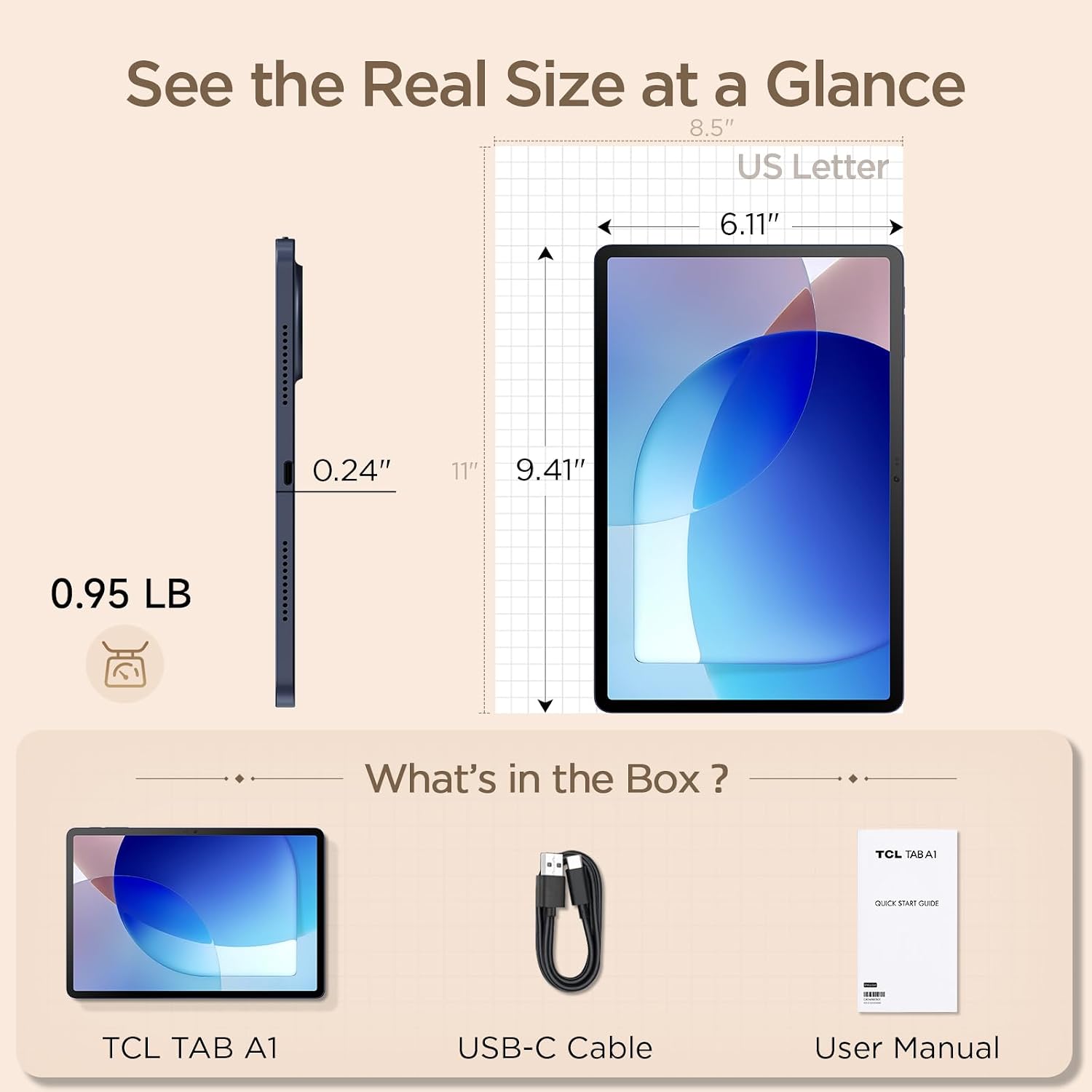
What is in the box
The box contains the tablet, a USB-C cable, and a user manual. The listing states explicitly that the charging block is not included and points to the product safety sheet for a recommended charger. No stylus, no case, no keyboard.
Pros and cons
Pros
- ✔ 11-inch 2.1K panel with an adaptive 90Hz refresh rate
- ✔ 8,000mAh battery and 20W charging, matching the A1 Plus
- ✔ IP54-rated 6.2mm metal unibody at only 430g
- ✔ Full Android 16 software stack with Gemini, Circle to Search, and Extend Mode
- ✔ Storage expands to 2TB, quad speakers, and a centered front camera with CenterFace tracking
Cons
- ✘ Helio G100 is an entry-level processor, and the tablet is not built for games
- ✘ No stylus in the box — the T-Pen 2 is a separate purchase for this model
- ✘ 650 nits is a peak figure; the typical rating reported elsewhere is 500
- ✘ 16:10 is less comfortable than 3:2 for long-form reading
- ✘ No independent hands-on review of the US-market standard A1 exists
Prices and availability change daily on Amazon — check the listing for the current offer.
Who should buy it
Buy the A1 if you want the flagship A1 Plus’s battery, build, IP54 rating, and software, in a body light enough to carry every day and with a screen that refreshes fast enough to make the difference on every scroll. It is the version of this tablet for someone who reads more than they watches.
Buy it if the machine is going into a child’s hands for schoolwork, since the full AI writing suite is available on it while the family-friendly tablet is a step further down the range, and the 430g body is noticeably easier for a smaller user to hold for a full session.
Who should skip it
Skip it if gaming is the point — the Helio G100 is not a gaming processor and the 10GB of RAM expansion will not change that. Skip it if you want to draw or hand-write notes without buying a stylus separately, because the NxTPAPER version of this tablet bundles one. And skip it if you read long documents for hours, because the 16:10 panel is less comfortable than the 3:2 display on the A1 Plus.
Frequently Asked Questions
Is the TCL TAB A1 worth it?
For reading, video, browsing, and school or office work, yes — you get an IP54 metal body, a 90Hz 2.1K screen, an 8,000mAh battery, and the complete Android 16 feature set for less than the bigger A1 Plus. It is not worth it for gaming, and not ideal for stylus work unless you buy the pen separately.
How bright is the screen?
The listing advertises 650 nits, which is the peak. The Gadgeteer reports TCL rates the standard A1 at 500 nits typical, which is the figure to plan around for everyday indoor use and for judging outdoor readability.
Does the TCL TAB A1 come with a stylus?
No. The T-Pen 2, which registers 4,096 levels of pressure, is bundled with the separate NxTPAPER edition of the A1 and sold on its own for the standard model. The tablet’s own product graphics label it as sold separately.
Is it waterproof?
It is rated IP54, which means protection against dust ingress and water splashes — rain, an accidental knock over a drink. It is not rated for submersion and not for being rinsed under a tap.
How much storage can I add?
The A1 has 128GB internally and a microSD slot that accepts cards up to 2TB, so you can add far more storage than the built-in amount.
Does it come with a charger?
No. The listing says the charging block is not included and refers to the product safety sheet for a recommended charger. The box holds the tablet, a USB-C cable, and a user manual.
Is the TAB A1 the same as the NxTPAPER version?
They are the same tablet in most respects — same 11-inch 2.1K 90Hz platform, same Helio G100, same 8,000mAh battery, same IP54 metal body. The differences are the display surface, which is paper-like rather than glossy, and the stylus, which is bundled with the paper-display version and sold separately for the standard one.
How long does the battery last?
The cell is 8,000mAh with up to 20W charging, the strongest specification in TCL’s tablet range. We do not have hands-on endurance measurements for this model, and the larger A1 Plus with an identical cell was rated as having below-average battery life by PCMag, so we would treat the headline capacity as a ceiling rather than a promise.
The bottom line
The TCL TAB A1 is the version of this tablet that makes the most sense if you read more than you game, and it does so while giving up less than the price difference suggests. You keep the 8,000mAh battery, the 20W charging, the IP54 metal unibody, the 2TB storage expansion, the quad speakers, and the complete Android 16 software suite with Gemini and Extend Mode. What you lose against the A1 Plus is resolution, refresh rate, and a better chip.
Two things to keep straight before you buy. The stylus is not included, so if handwriting is part of the plan the NxTPAPER edition is the better target. And the 650-nit brightness figure is a peak — the number to plan around is 500. Neither of those is a reason to pass on the tablet. They are reasons to know which version you are buying.
We would rate this a 7.8 out of 10. It is a well-built, well-equipped 11-inch tablet whose processor keeps it firmly in the reading, studying, and working column, and it is the version of TCL’s tablet that most people in that column should actually buy.
Prices and availability change daily on Amazon — check the listing for the current offer.
Sources cited in this article
- Notebookcheck — “TCL launches affordable 11-inch tablets with 90Hz display, 8,000mAh battery and Helio G100” (August 31, 2026; A1 launch specifications, 10-point touch, NxTPAPER display modes, and the T-Pen 2 pressure levels bundled with the paper-display version)
- The Gadgeteer — a comparison of the TCL TAB A1 against the TCL TAB A1 NxTPAPER (August 31, 2026; headline paraphrased to omit a price figure; typical-versus-peak brightness for the standard A1)
- TCL — official TAB A1 product page at tcl.com
- Amazon — manufacturer listing for the TCL TAB A1, including aggregated verified-buyer ratings, box contents, and the note that the charging block is not included (accessed November 2026)
This article contains affiliate links. When you buy through them, we may receive a commission from the brand or platform at no additional cost to you. Our editorial process is independent of affiliate relationships — see our Affiliate Disclosure and Our Method.