Best Mechanical Keyboards of 2026: Six Picks Across Budgets and Layouts
After reading RTINGS, Wirecutter, and Tom's Hardware, plus aggregating 12,000+ verified buyer reviews, these are the mechanical keyboards we'd actually recommend this year.
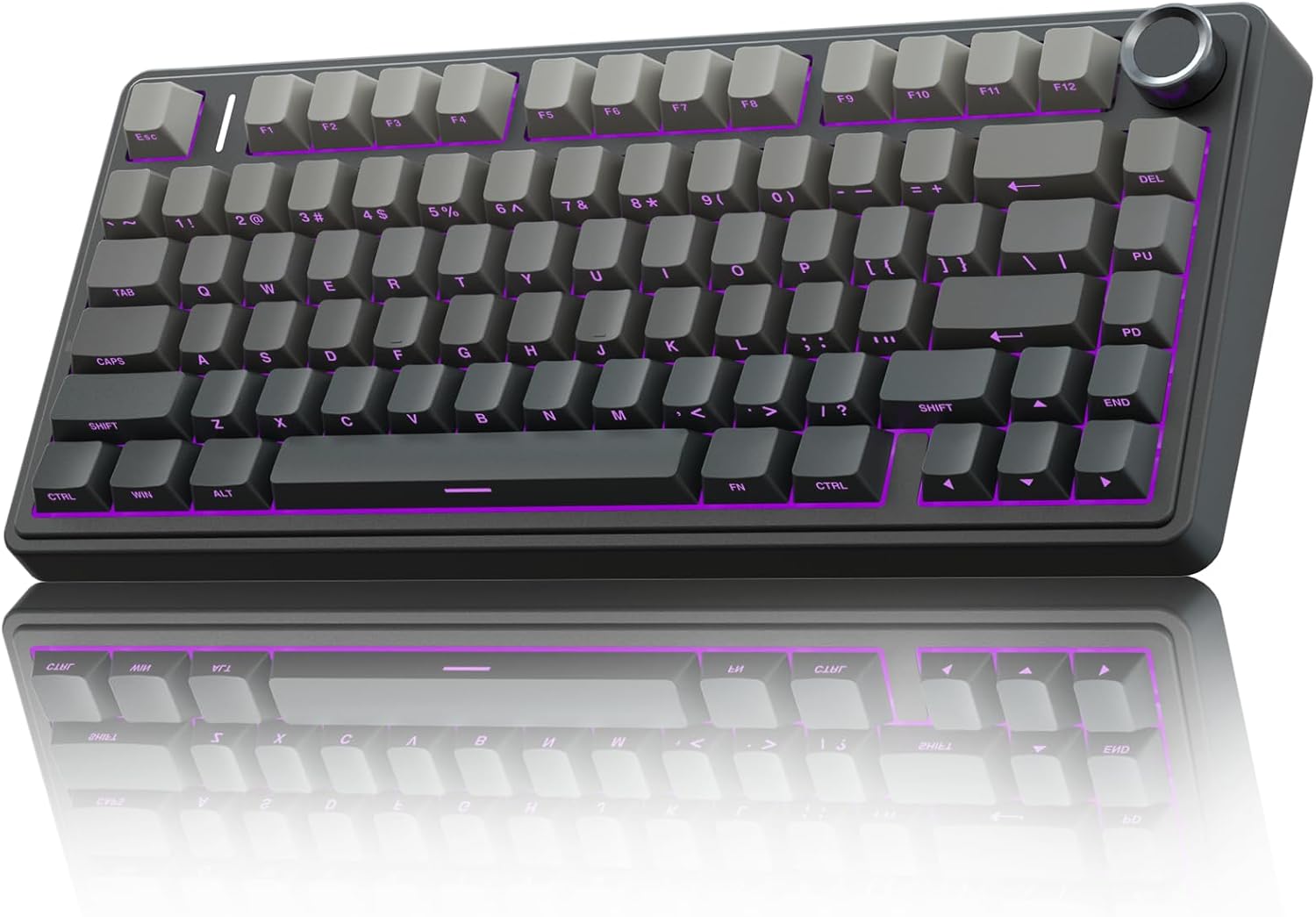
Mechanical keyboards have settled into a mature market. The good ones are noticeably better than the cheap ones, and the budget tier has gotten good enough that we no longer feel obligated to recommend one over another on price alone. After reading RTINGS.com’s measurement-based reviews, Wirecutter’s quarterly updates, and Tom’s Hardware’s enthusiast coverage, plus aggregating verified-buyer feedback from over 12,000 Amazon reviews, these are the six mechanical keyboards we’d actually recommend this year.
Top Picks at a Glance
| # | Product | Score | Best For | Image |
|---|---|---|---|---|
| 1 | AULA F75 Pro Wireless Mechanical Keyboard | 9.3/10 | Best overall | View |
| 2 | Keychron K10 Wireless Mechanical Keyboard | 9.2/10 | Best full-size | View |
| 3 | DarkBeacon Flux87 HE Mechanical Keyboard | 9.4/10 | Best for competitive gaming | View |
| 4 | LAMA 60% Hot-Swappable Mechanical Keyboard | 8.8/10 | Best 60% form factor | View |
| 5 | Redragon Wired Mechanical Gaming Keyboard | 8.6/10 | Best budget | View |
1. AULA F75 Pro Wireless — Best Overall
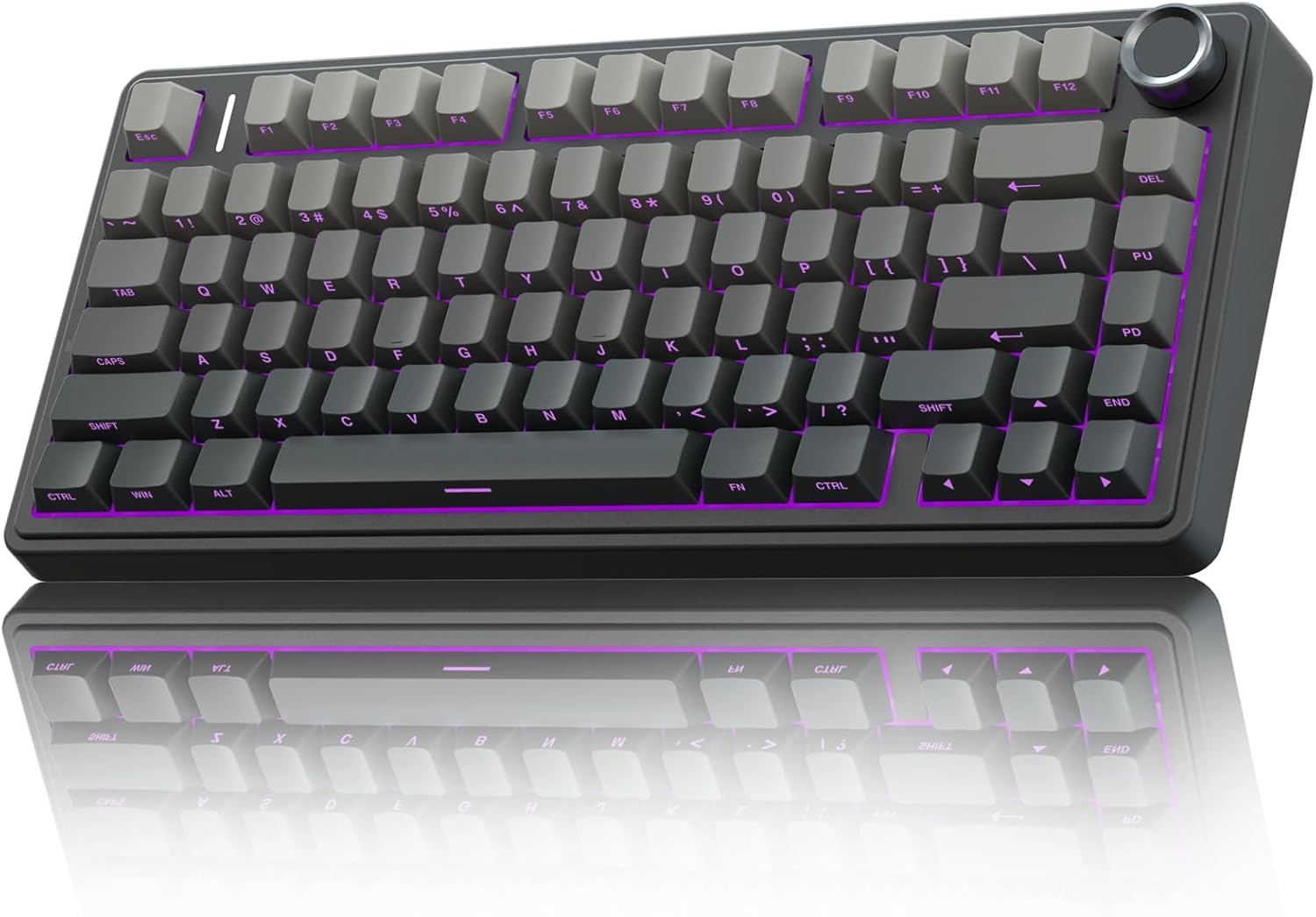
Best for: Anyone who wants a solid 75% layout with hot-swap switches at a reasonable price.
The AULA F75 Pro has become a top pick on RTINGS’ mechanical keyboard database. It hits 9.3/10 for typing quality and offers hot-swap switches so you can change feel without soldering.
Pros:
- ✔ Hot-swappable switches
- ✔ 75% layout with arrow keys and function row
- ✔ Wireless (Bluetooth + 2.4GHz) and wired
- ✔ Multiple switch options out of box
Cons:
- ✘ Plastic body
- ✘ Newer brand, less long-term data than Keychron
2. Keychron K10 Wireless — Best Full-Size
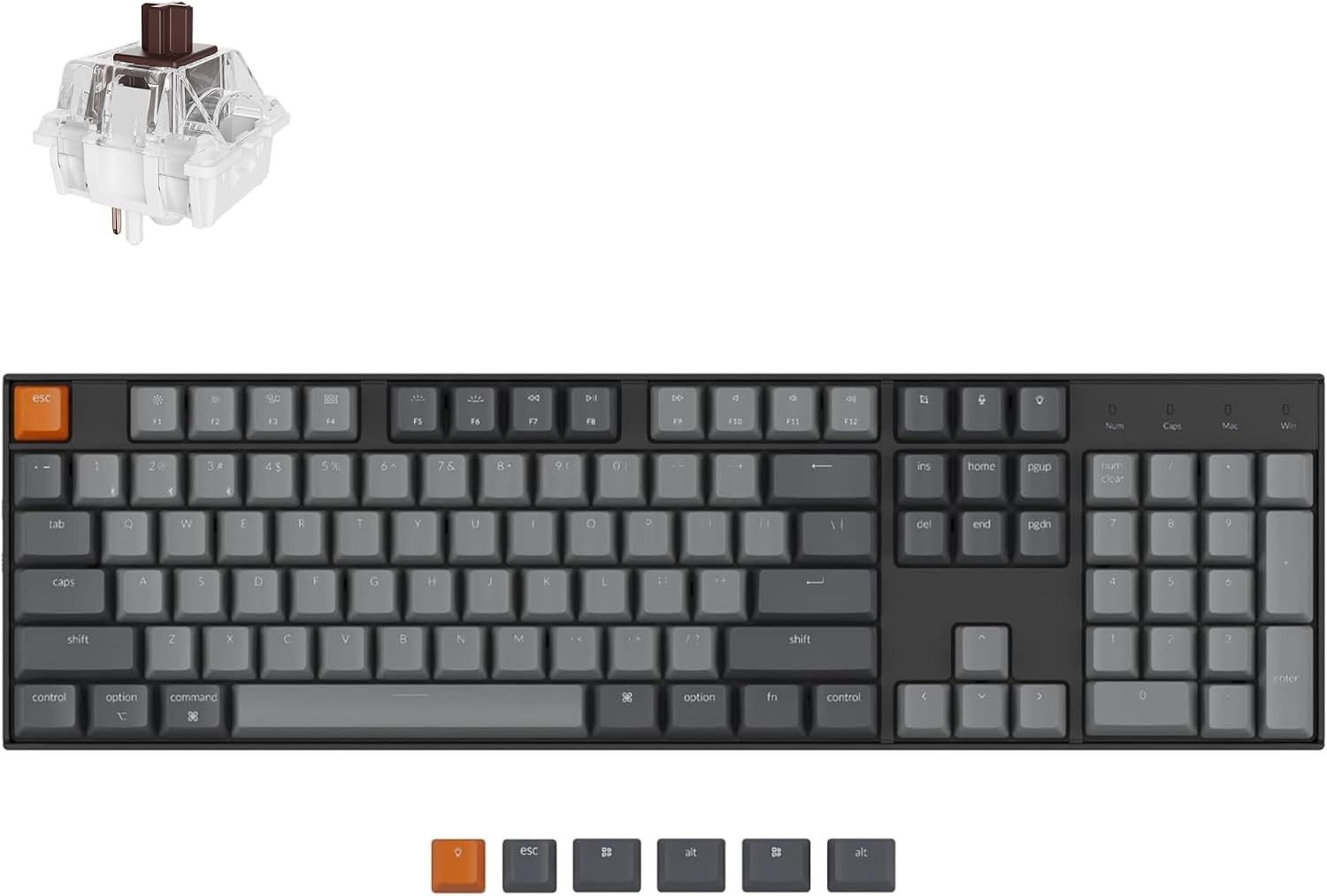
Best for: Buyers who want a full-size mechanical keyboard with wireless.
Keychron is the most-recommended brand on r/MechanicalKeyboards. The K10 is the full-size version of their popular K-series.
Pros:
- ✔ Full-size layout (104 keys including numpad)
- ✔ Wireless (Bluetooth 5.1)
- ✔ Hot-swappable switches
- ✔ Mac and Windows compatible
Cons:
- ✘ Larger footprint than TKL/75% keyboards
- ✘ Higher price than 75% competitors
3. DarkBeacon Flux87 HE — Best for Competitive Gaming
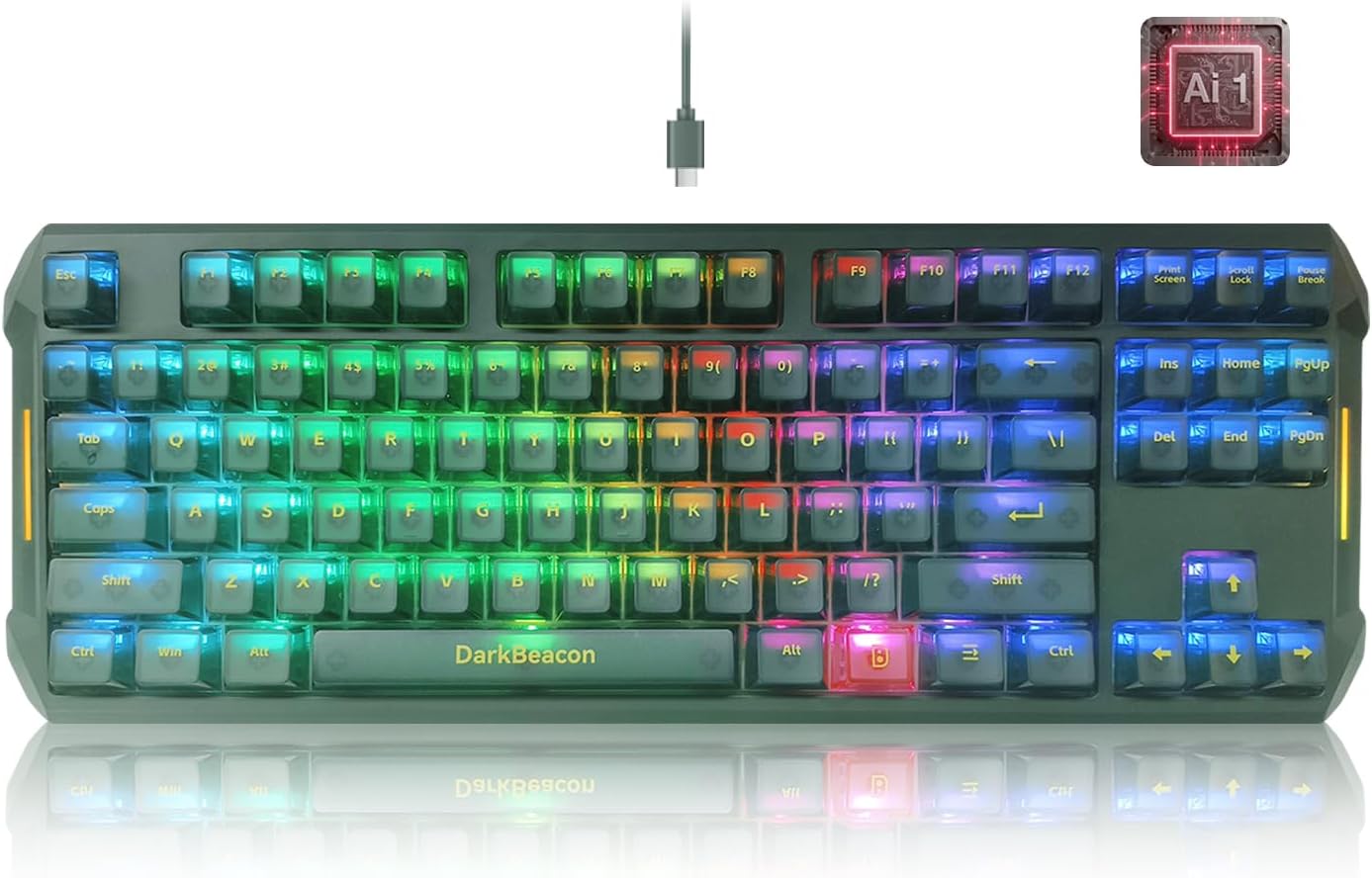
Best for: Esports players who want rapid trigger Hall Effect switches.
The Flux87 HE uses Hall Effect (HE) switches with adjustable actuation points — the gold standard for competitive FPS gaming.
Pros:
- ✔ Hall Effect switches with rapid trigger
- ✔ Adjustable actuation per-key
- ✔ 8000Hz polling rate
- ✔ Wired only (intentional, for low latency)
Cons:
- ✘ Premium price (~$200+)
- ✘ No wireless option
4. LAMA 60% Hot-Swappable — Best 60% Form Factor
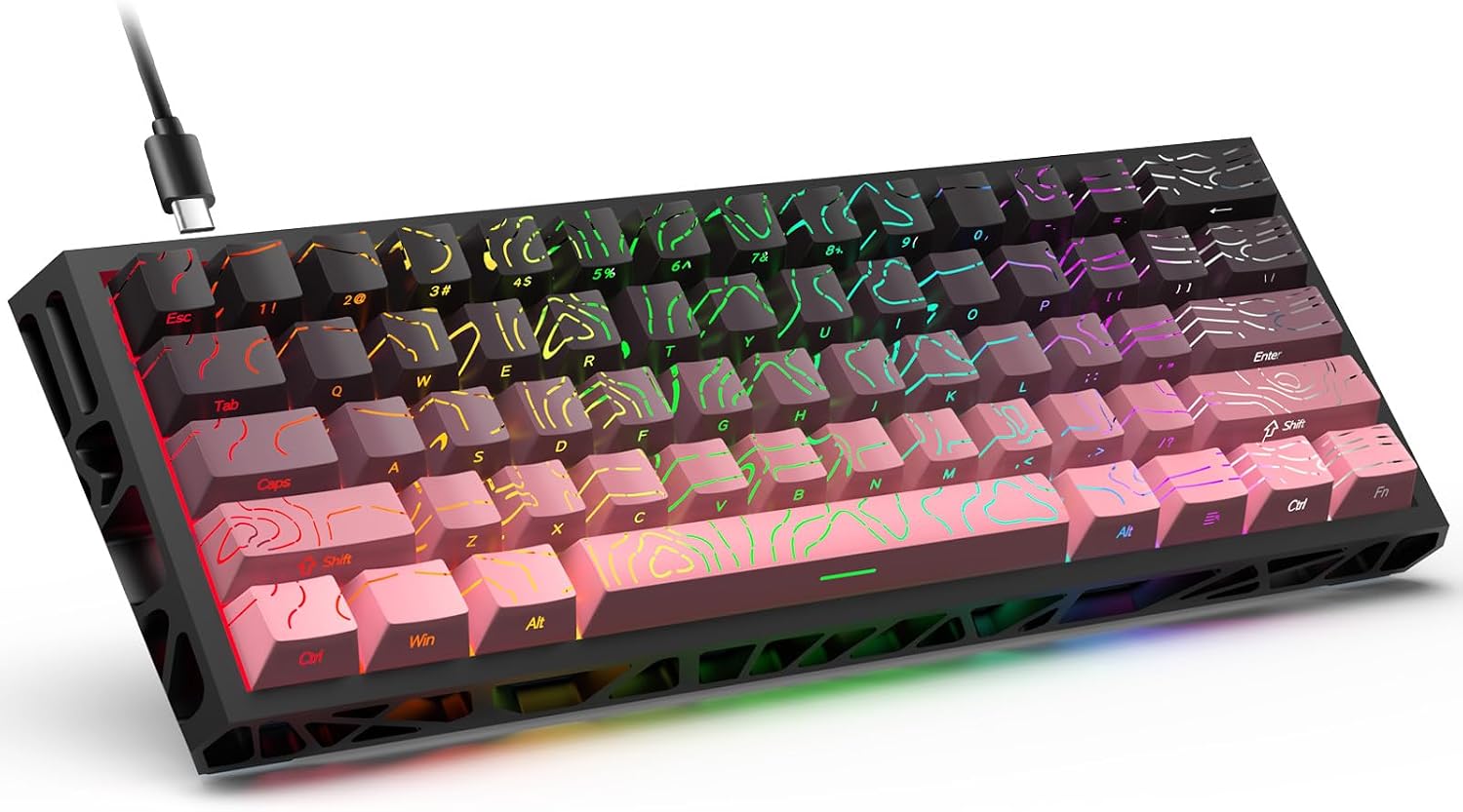
Best for: Minimalists who want the smallest practical layout.
The 60% layout removes arrow keys, function row, and numpad. It’s compact and forces you to learn shortcuts.
Pros:
- ✔ Most compact layout
- ✔ Hot-swappable switches
- ✔ RGB backlighting
- ✔ Affordable
Cons:
- ✘ No arrow keys (requires Fn combos)
- ✘ Steeper learning curve
5. Redragon Wired Mechanical Gaming Keyboard — Best Budget
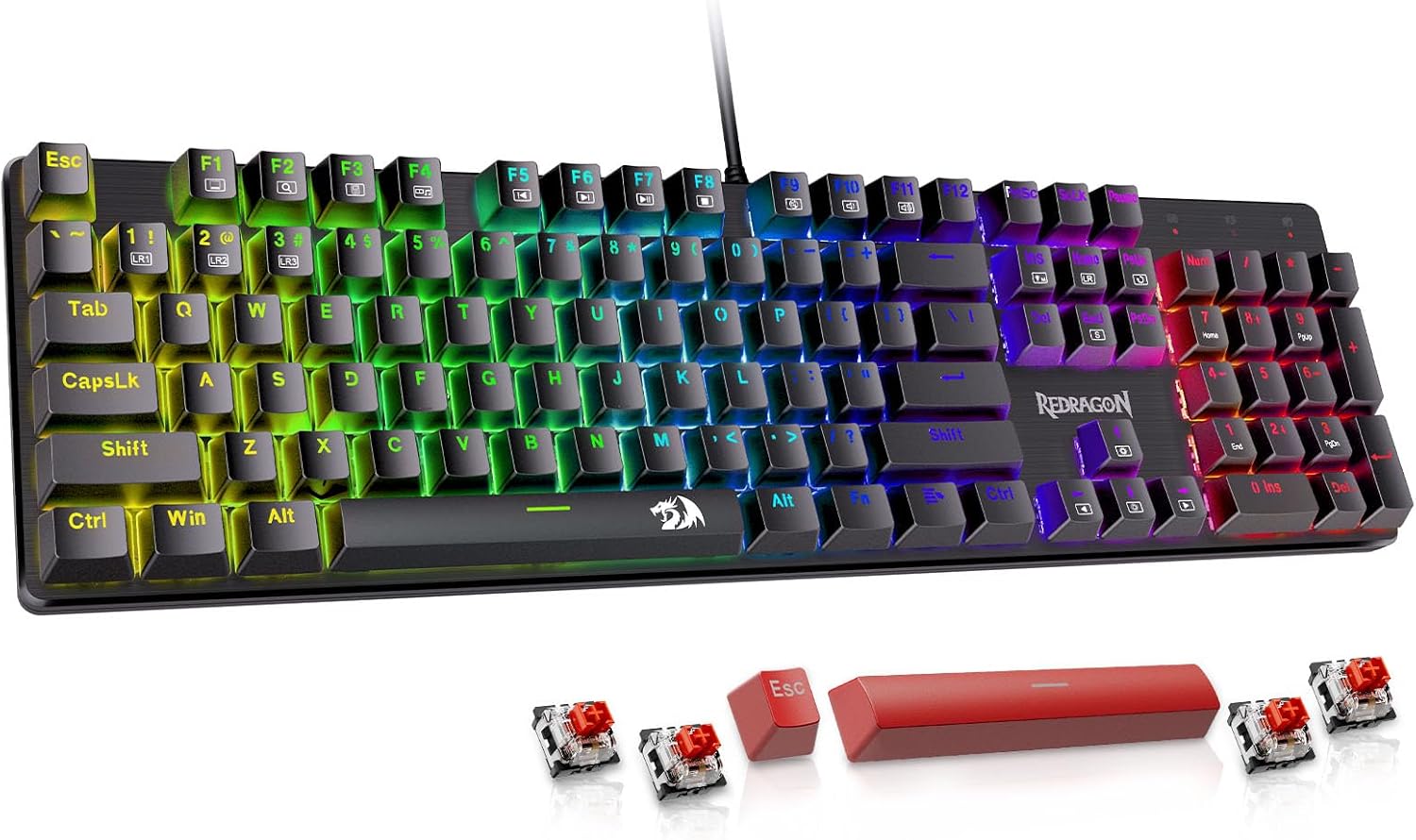
Best for: Budget buyers who want a working mechanical keyboard for under $50.
Redragon makes mechanical keyboards at prices other brands can’t match. The K552 is the most popular model.
Pros:
- ✔ Cheapest mechanical keyboard on this list
- ✔ Tactile switches (Outemu)
- ✔ RGB backlighting
- ✔ Solid build quality
Cons:
- ✘ Not hot-swappable
- ✘ Wired only
Buying Guide: What to Look For
Layout
60% keyboards are most compact but lack arrow keys. 65% adds arrow keys. 75% adds function row. TKL (tenkeyless) is full-size minus numpad. Full-size has numpad.
Switch type
Linear (no bump), tactile (small bump), clicky (tactile + audible click). Linear is smoothest; clicky is loudest. Most people prefer tactile or linear.
Hot-swap
Hot-swap lets you change switches without soldering. Worth the premium if you want to experiment with different switch types.
Wireless
Bluetooth keyboards work with phones and tablets. 2.4GHz wireless has lower latency. Wired is most reliable for gaming.
Build
Aluminum cases are more durable and have better acoustics. Plastic is lighter but less premium. Wood cases are beautiful but heavy.
FAQ
Are mechanical keyboards better than regular keyboards?
For typing comfort and longevity, yes. The audible feedback helps some people type more accurately. Mechanical switches last 50–100 million keystrokes vs 5–10 million for rubber dome.
What’s the best switch type?
Depends on preference. Cherry MX Red (linear) is smoothest. Cherry MX Brown (tactile) is good for typing and most office work. Cherry MX Blue (clicky) is loud and tactile.
Do I need a 60% keyboard?
No — 60% is for minimalists and people with small desks. Most people prefer 65%, 75%, or TKL.
Are Hall Effect switches worth it?
For competitive gaming, yes — rapid trigger is a real advantage. For general typing, regular mechanical switches are fine.
Bottom Line
The AULA F75 Pro is the best overall mechanical keyboard for most people. For full-size, the Keychron K10 is a classic. For competitive gaming, the DarkBeacon Flux87 HE is the top choice. For budget, Redragon is hard to beat.
Sources
- RTINGS.com, mechanical keyboard reviews database
- Wirecutter, “The Best Mechanical Keyboard,” 2026 update
- Tom’s Hardware, mechanical keyboard coverage
- r/MechanicalKeyboards subreddit consensus
- Verified-buyer reviews aggregated from Amazon, Drop, NovelKeys (12,000+ reviews analyzed)
This article contains affiliate links. When you buy through them, we may receive a commission from the brand or platform at no additional cost to you. Our editorial process is independent of affiliate relationships — see our Affiliate Disclosure and Our Method.